
October was mostly about two things. Getting reTONE to send audio straight to a USB DAC, and playing music from a NAS or from another phone. Along the way it also picked up a Bluetooth remote and support for Android 4.0. If you want every change, it's all in the release history on the Download page.
Trying it out at Potafes Osaka (October 3)
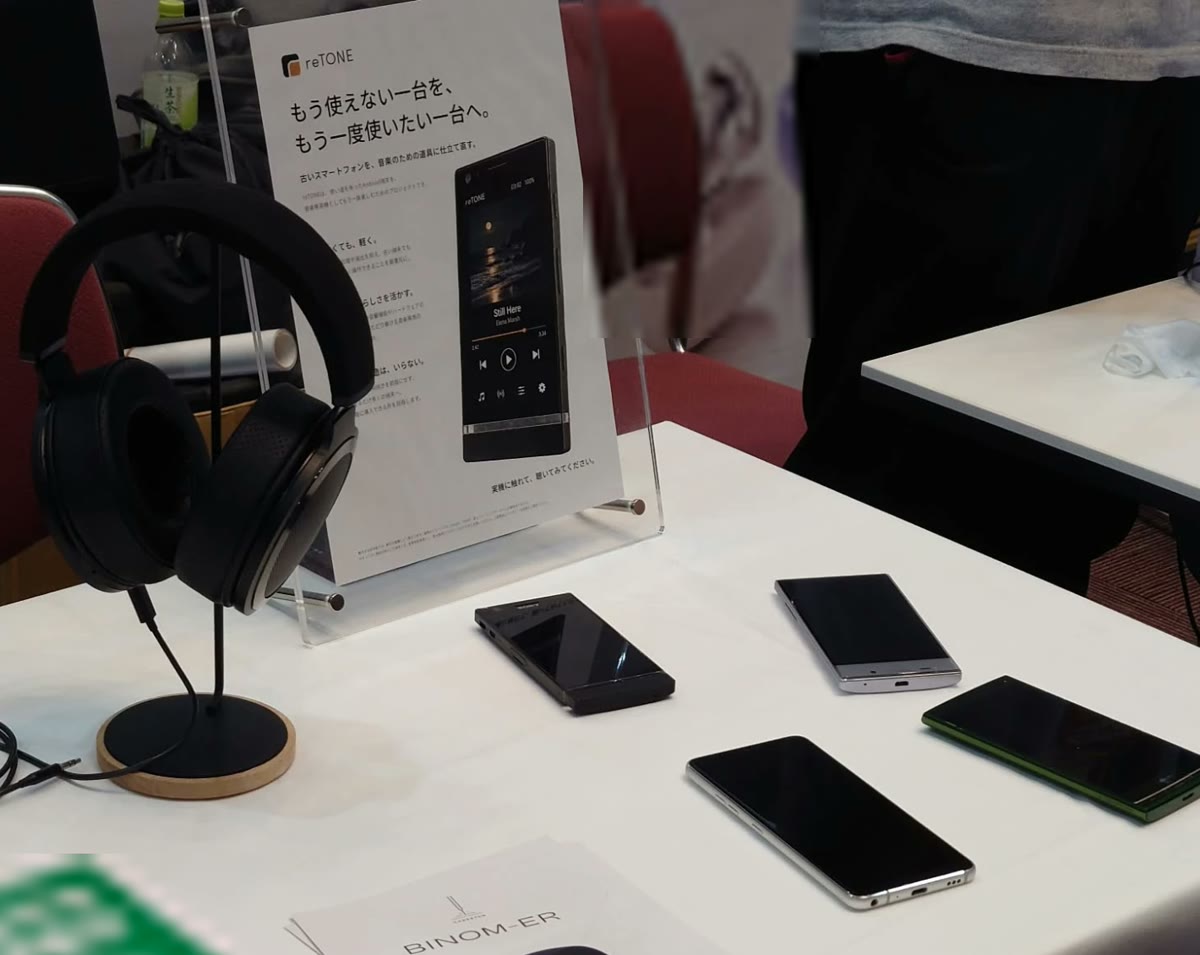
On October 3rd, I put reTONE out at Potafes Osaka, a portable audio show, mostly as an experiment. It sat in a corner of our booth, and honestly, I figured nobody would come over. Almost everything at an audio show is hardware, though, so a row of oddly old smartphones on the table caught people's eye. A lot of them stopped and asked what it was. I explained that I was trying out an idea, and a few said they'd really like to have it. Some were simply people who love old gadgets. Others told me their old phone was still sitting at home. I was surprised by how much reaction there was.
Whenever I make something, I want it to be something anyone can use without hassle. A one-off that only works for one person, or only exists as a single unit, has never really appealed to me. So releasing it in some form was always the plan. What I didn't know was whether anyone actually wanted a thing like this. The reaction answered that, in a good way, and that's when I decided to get it properly ready for release.
USB DACs, the hard way (0.64–0.88)
Plug a USB DAC into an old Android phone and, most of the time, nothing happens. Android didn't treat USB DACs as an audio output as standard until 5.0 (before that, it was up to the manufacturer), so most older phones just don't know what to do with one. Newer Android isn't always better, either: one phone I tested was quietly converting everything to 48 kHz/16-bit before it ever reached the DAC.
So reTONE now skips Android's audio system and talks to the DAC directly. The upshot is that a phone running Android 4.1 can send music to a USB DAC at the track's original sample rate. If you ask me, that's the biggest thing reTONE does.
Getting there was a ride.
The very first sound out of it was eight times too fast. I hit play and got a chipmunk reading the news. I'd packed the wrong amount of audio into each transfer; once that was fixed, it played normally. I laughed, though.
My favorite bug of the month: an old phone that played every track at 0.941× speed. That number is exactly 16/17. The phone's USB hardware was slipping in one empty slot after every 16, so the DAC only ever got 16/17 of the audio it needed. I added a correction. Then a completely different phone started playing at 1.14×, thanks to that correction. Yes, I had to correct the correction.
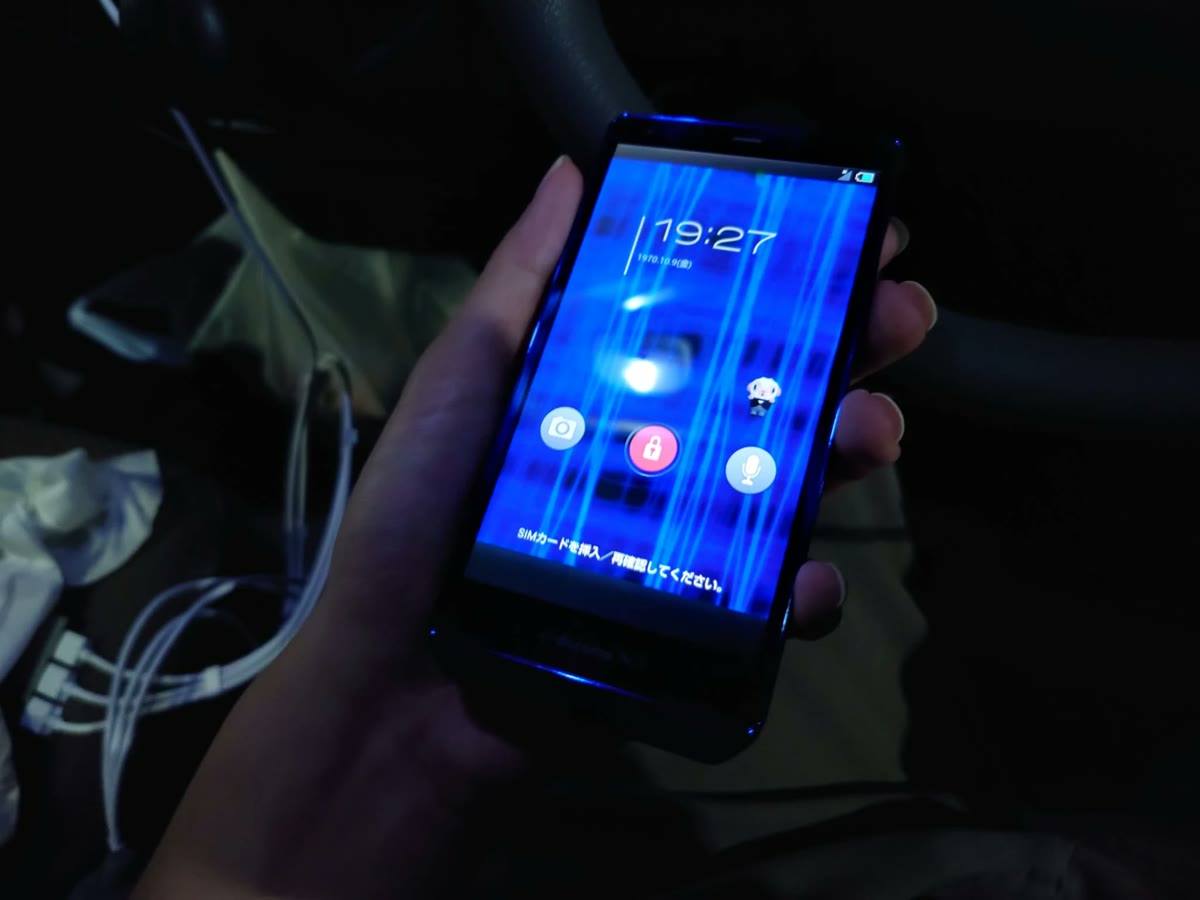
Then there was a crackle that refused to die. I changed reTONE. Still there. I changed settings. Still there. It turned out to be the phone's own Wi-Fi. Wi-Fi off: silence. Wi-Fi on: crackles. It was the Wi-Fi the whole time. If you get crackles with a USB DAC, try airplane mode first.
And one evening, the 2012 test phone rebooted mid-song. I blamed the battery. Wrong. reTONE had crashed, restarted itself, grabbed the DAC again, and the phone's own system keeled over. There's nothing an app can do about the phone's system, but reTONE can avoid crashing in the first place, so that's what got fixed.
Where it stands now: every phone and DAC pairing that works plays at the right speed with no dropouts, and the 2012 test phone happily sends 24-bit/192 kHz files to a battery-powered DAC without converting them. There are still open questions. Some phones claim to support USB devices and then don't, and DACs that draw power from the phone sometimes go unrecognized on older hardware.
Double-checking the resampler (0.60–0.68)
When a phone can't play a track at its original sample rate, reTONE converts it. On older Android, that now happens for every FLAC and WAV, so the conversion got a proper look. The original version shaved a little off the very top of the treble, and the DSD converter let some ultrasonic content fold back down into the audible range. Both got rebuilt.
Then came a slightly embarrassing moment. While making the frequency response chart for this very website, we noticed the rebuilt filters were falling short of their own targets. Not by much, but a target's a target, so they got fixed again. I didn't expect a chart for the website to be what caught it.
Full honesty: the difference is tiny, and I won't promise you'll hear it. What I can tell you is that the numbers are now where they belong. It's flat across the audible range, and anything the conversion adds is far too quiet to hear.
Your NAS, or your other phone, as a library (0.80–0.88)
reTONE can now play music from a NAS at home, or from another phone running reTONE. Tracks are copied to the old phone as they play, so once a track has loaded, the network is out of the picture.
The first version made you wait for the whole file to download, which meant about 23 seconds for a big high-res track. Playing while downloading fixed most of that, except for one large WAV file that still took 19 seconds to start. Of those 19 seconds, 15 were the old phone writing out an empty file full of zeros before any real audio went in. Skipping that step got it down to 2 seconds. Nineteen down to two, just by not writing zeros.
A couple of other surprises: a track with an enormous cover image wouldn't play at all, because the beginning of the file was all picture and no music. And sharing between two phones failed once because one of them had its clock set a full day off.
Sharing from your own phone is deliberately strict. Only paired reTONE devices can listen, both phones show the same six-digit code to confirm, and sharing shuts itself off after an hour of no use. So far I've only tested against a small server on my computer and reTONE itself, not a store-bought NAS.
A Bluetooth remote (0.71–0.72)
Why a remote? Mostly because it's handy. The old phone can stay plugged into the amp, or stay in your bag, and you pick songs on the phone already in your hand. There's a battery reason, too: on an old phone, the screen is usually the biggest drain. Keep it off, and the battery lasts a lot longer.
Now you can do that over Bluetooth. While connected, reTONE on your everyday phone mirrors the old one.
In the first version, everything worked except volume. The volume command was "+1", and Android 4.1 couldn't parse a number with a plus sign in front. One character. It only works between Android phones, and the first connection takes a moment while the library comes across.
Back to Android 4.0 (0.84–0.86)
Someone wanted to run reTONE on an Android 4.0 music player (that someone was me), so support now reaches back from 4.1 to 4.0. The annoying part: on 4.0, calling something the system doesn't have fails in a way regular error handling won't catch. Every one of those spots had to be tracked down by hand.
The new in-app update check hit the same wall. The server it checks only accepts a newer type of secure connection that Android 4.x simply doesn't have, so on those phones reTONE tells you it can't check safely. Android 4.0 through 4.0.2 still haven't been tested on a real device.
Other changes
- Fixed a small click at the start of DSD tracks.
- Fixed notification sounds sometimes staying muted after turning off Silent DAP mode.
- Added Apple Lossless (ALAC) playback.
- Fixed album art going missing on newer Android.
- Added layouts for tablets held sideways and for foldables.
- Added playback controls in notifications, on the lock screen, and from Bluetooth devices.
- Added Network features, off by default.
PHONE OF THE MONTHAndroid One X5
An LG phone from late 2018, sold in Japan as an Android One model. Android One is supposed to be the plain, no-frills, close-to-stock flavor of Android, and yet this one shipped with LG's Hi-Fi Quad DAC (an ESS ES9218), straight out of the company's high-end phones. I love that kind of thing.
The direct output feature from September's post was also found on this phone.
The best part came in October. Plug an amplifier's line input into the headphone jack instead of headphones, and this phone actually tells apps it's an "AUX" connection. Every other phone I tried just saw "headphones", no matter what was plugged in. That's what let reTONE show "3.5mm AUX" and offer fixed volume, so you can set the level on your amp instead. Since a wrong guess could mean a very loud surprise in someone's ears, reTONE asks every single time you plug in.
A few more things it does: the Sound button opens the Quad DAC settings (digital filters and all) directly, Device & audio identifies the DAC as an ES9218, and a USB DAC played at 96 kHz with no dropouts. One honest caveat: the DIRECT label is based on what Android reports. An app can't see which path the audio actually took, so during development I checked from a computer.