
This is where reTONE started, so this first post is a bit about how it began, and then about the first few things that went wrong.
How it started
For a while I'd been tinkering with the AR-M20, an old digital audio player. I love the design, but the Android inside is so old that I never quite knew what to do with it. Nothing specific in mind, just a feeling that things like this deserved to be used again.
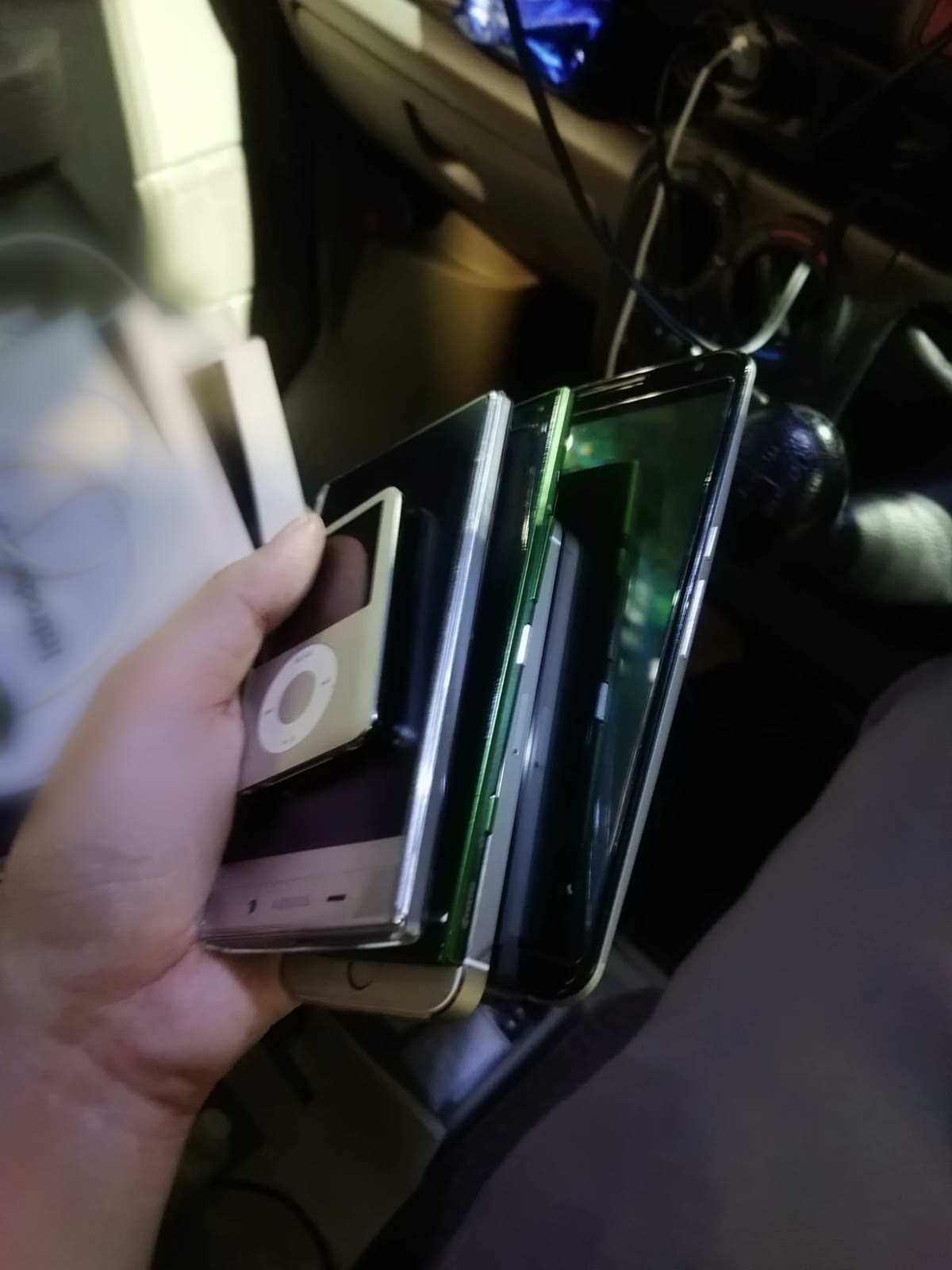
Then I walked into a used electronics shop and saw old smartphones going for next to nothing, and I bought a handful on impulse, about 1,000 yen (roughly seven dollars) each: a Sharp AQUOS CRYSTAL 305SH, a Kyocera URBANO, a Nexus 6, an iPhone 5s, and an iPod nano. reTONE can't do anything for the iPhone or the iPod, but that's another story. When I tried them out right away, the Android ones turned out to be little more than paperweights. Most apps don't support Android that old anymore, so there was nothing to do with them but look at them. I'd already paid for them, though. So I started building something for them. That's honestly the whole origin story.
I've built reTONE with AI from day one. I started out with ChatGPT: I described what I wanted, and the rough version came together surprisingly quickly: a home screen, a music player, a lock screen. The overall system was built in that phase. Once it came down to the finer details, though, the design, the "tomorrow I want this part to work like this" kind of requests, another AI, Claude, was simply better at it, so I moved over. Since then, Claude has done most of the work, with ChatGPT still lending a hand now and then.
So, to be clear about who does what: the AI writes most of the code. The rest is me. Deciding what reTONE should be and how it should be put together, and where to be stubborn about sound: no EQ or effects layered on top, showing the output rate the phone actually reports, never claiming bit-perfect when an app can't verify it, and keeping everything light enough for a phone from 2012. Then there's the trial and error, which is most of the work. Every build goes onto real old phones, I listen, I notice when something's off, and we go back and forth until it's right. Those phones are on my desk, not the AI's.
The player that existed twice (0.24.1)
On an Android 4.4 phone, opening reTONE from the HOME button and opening it from its icon gave you two separate copies of reTONE. The app was set up so that this shouldn't happen, and on this phone, it happened anyway. So you could end up controlling one copy while the other one was the one actually playing.
reTONE now keeps track of the one copy that's alive, and the one opened from HOME takes over playback. While I was at it, pressing HOME now takes you back to the playback screen from anywhere.
Volume in 1 dB steps (0.31–0.32)
Android gives music 15 volume steps, and each step is a big jump. When you listen quietly, there's often no step that's quite right.
reTONE combines the two volume controls it's allowed to touch without root. Android's 15 steps do the coarse part, and the app's own volume fills in between them, which works out to roughly 1 dB per press. When turning it up, reTONE lowers its own volume first and then raises Android's, so you never get a brief jump in loudness. Zero always means silence.
There's a catch. Some phones ignore the app's own volume completely, and on those you're back to 15 steps. Also, at one point I tried applying this fine control even while other screens were in front. Android moved its own step first and showed its own slider, so the volume audibly dropped and then corrected itself. I took that back out the next day.
Where direct output came from (0.46.0)
Near the end of the month, on the Android One X5, I checked which tracks Android's standard playback converts on their way out. Only 16-bit tracks at 48 kHz or below were being converted to 48 kHz, which is to say exactly CD audio. Higher-resolution files were already going out untouched.
So we tried decoding 16-bit tracks and handing them back to Android as 24-bit, with the audio itself unchanged. They came out at 44.1 kHz, unconverted. Android 10 added a way for apps to ask whether a given format can go out unconverted, and its answers matched what I measured every time. That meant reTONE could decide based on what the phone reports, not on which phone it is.
That became reTONE's direct output feature, for phones on Android 10 and later. The DIRECT label it shows is based on what Android reports, since an app can't see the actual path the audio takes.
Other changes
- Headset buttons: one press to play or pause, two to skip ahead, three to go back.
- The seek bar can be dragged from the moment you touch it, and only seeks once you let go.
- Playback always pauses when headphones, Bluetooth or a DAC are disconnected.
- Repeat and shuffle. (The shuffle button had been doing nothing up to this point.)
- Gapless playback.
- The bottom of the playback screen shows the output and its sample rate.
- Support for Android 4.1.
- Sorting and an A–Z index in the library.
PHONE OF THE MONTHAQUOS CRYSTAL 305SH
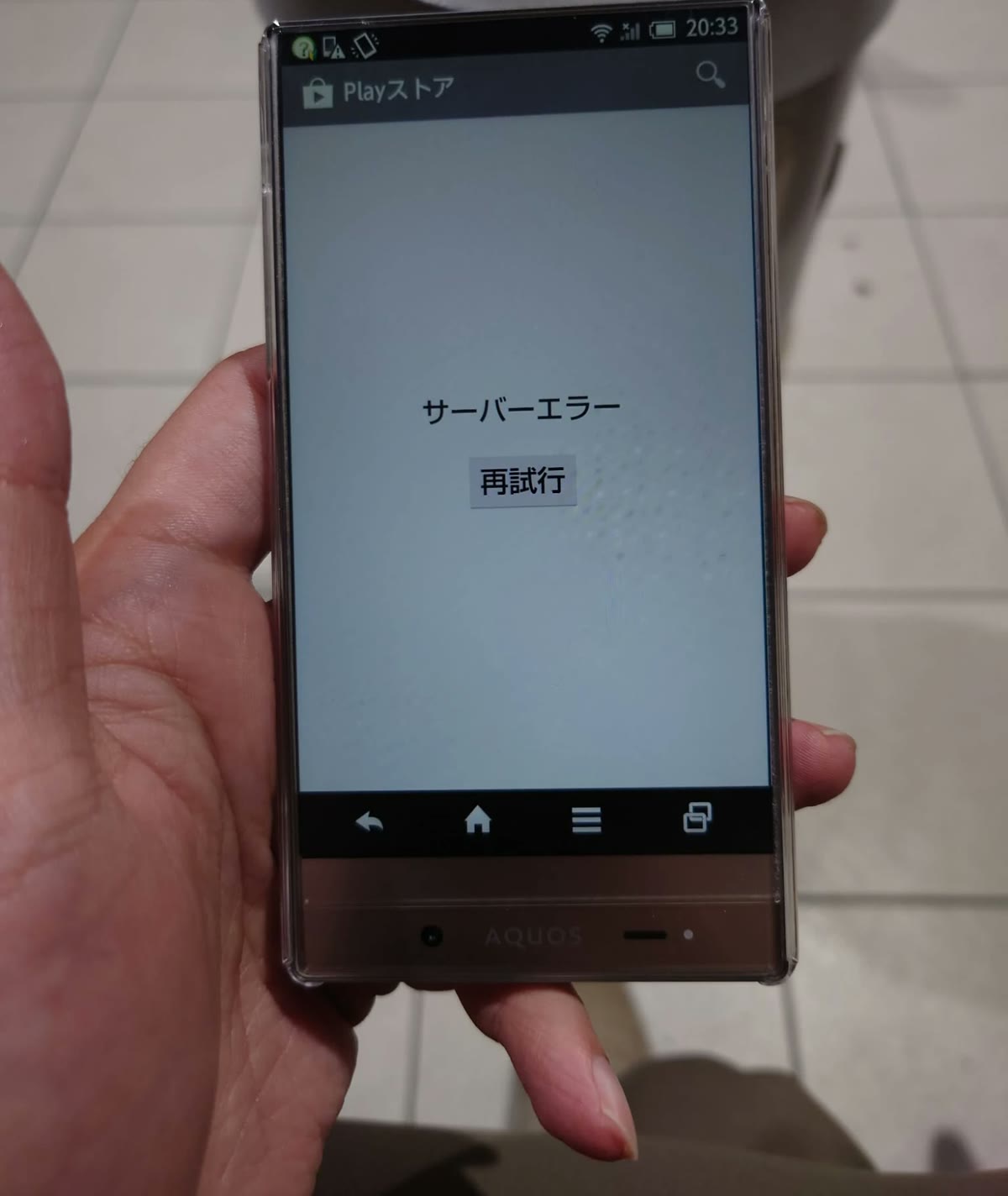
One of the phones from that impulse buy, and secretly the one I'd wanted for years. When the AQUOS CRYSTAL came out in 2014, it floored me. The screen was gorgeous, and it ran almost to the edges on three sides, years before bezel-less phones were normal. I wanted one badly, but back then it was a bit out of my reach, and I never got one.
Then, years later, there it was, going for next to nothing. So I bought it. It's been my main test phone ever since.
It has Harman's sound effects built in, and reTONE's Sound button opens them directly. It also has quirks. It runs all audio at 48 kHz, and it can't host USB devices, so no USB DAC. At first it ignored the app's own volume, so fine volume steps did nothing. Once reTONE started playing FLAC and WAV itself, they began to work. MP3 and the like can still step unevenly. As a small, good-looking music player with a headphone jack, though, it's a keeper.